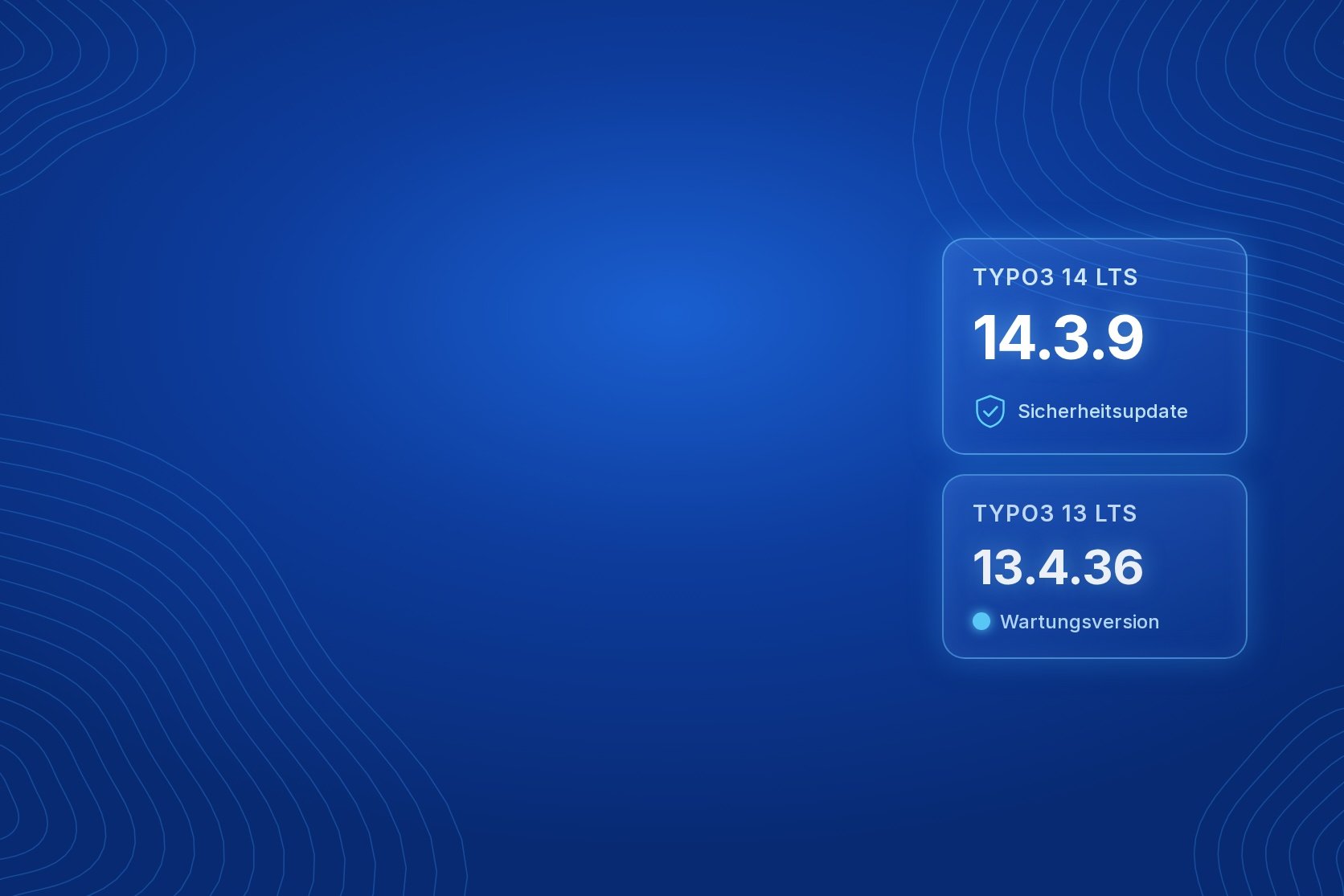

On 9 October 2026, TYPO3 released maintenance versions 14.3.8 and 13.4.36. Version 14.3.9 followed on 13 October with a security fix for TYPO3 14. For websites running TYPO3 14, the change to file uploads in forms matters most. TYPO3 14 version overview
TYPO3 14.3.9: form upload location fixed
Forms with file uploads can be configured to use a separate, non-public storage location. In TYPO3 14.0.0 through 14.3.8, that setting was ignored: files were stored in the default user_upload folder instead. They could be publicly accessible there even though a restricted storage location had been intended. Forms using the default storage location are not affected. TYPO3 rates the issue as medium severity. TYPO3 security advisory
Stricter SVG sanitisation
The 14.3.8 and 13.4.36 maintenance releases also contain bug fixes and a security-related change to SVG files. References to external addresses in embedded links and style definitions are now removed during sanitisation. TYPO3 13.4.36 release notes
What website operators should check
TYPO3 14 installations should be updated to 14.3.9. If your forms were meant to store uploads in a separate location, also check whether earlier uploads ended up in the publicly accessible default folder instead. This is particularly important for confidential documents.
The form issue does not affect TYPO3 13. Version 13.4.36 does, however, include the security-related SVG update alongside bug fixes and can be planned for the next regular maintenance window. According to TYPO3, neither update requires a database upgrade. After updating to 14.3.9, TYPO3 recommends running the database analyser in the Install Tool.
Not sure which TYPO3 version you run or whether your forms are affected? We can check the version, forms and file storage with you. Read more about our ongoing Maintenance and Support. If a move to TYPO3 14 is already planned, see how we approach a TYPO3 upgrade.